





New

v1.0.8 — Custom Fields & Developer Webhooks is here! See what's new →

Teamwork, made
lightweight.

0+ Teams
0+ Tasks managed
4.9/5 Average rating

Trusted by teams at

One window

A unified product language.

Boards, docs, chat, and AI — sharing the same components, the same shortcuts, the same window. Nothing here is a separate tab.

AI agents

Your AI assistant can
drive your board.

Claude Code, Codex, Cursor, Copilot, Windsurf — point any of them at Zoobbe over MCP, CLI, or API, and let them open cards, move tasks, and leave notes as they work.

Claude Code Claude Code
Codex Codex
Cursor Cursor
Windsurf Windsurf
GitHub Copilot Copilot
Zoobbe
Your Workspace
Opens a card the moment a bug surfaces
Moves the card to Done when the fix lands
Drops a comment with the branch and commit
How it works

You can be working in three steps.

No setup wizard. No call to book. Sign up, make a board, get on with it.

1

Make a workspace

Give it a name, invite the people you work with. That's it. No card, no countdown timer.

2

Build a board (or bring one with you)

Start fresh, or pull one over from Trello with a single click — cards, labels, members, the lot.

3

Get to work

See who's around, hand things to them, watch the board move. Only quieter than Trello.

Make a workspace
Follow our journey

Behind the build.

Product previews, team moments, and the little ideas we ship every week.

MK

Just checked out Zoobbe — clean, fast, and super smooth! I really appreciate the simplicity and real-time updates. It feels lightweight yet powerful, kind of like a solid alternative to Trello or ClickUp.

M A Kuddus Munsi
Solo Founder, Munsi · via LinkedIn

One window

A few tools, one surface.

Plan on a board. Write in a doc. Talk to your team. Ask the AI. Nothing here is a separate tab.

Boards that feel like your whiteboard

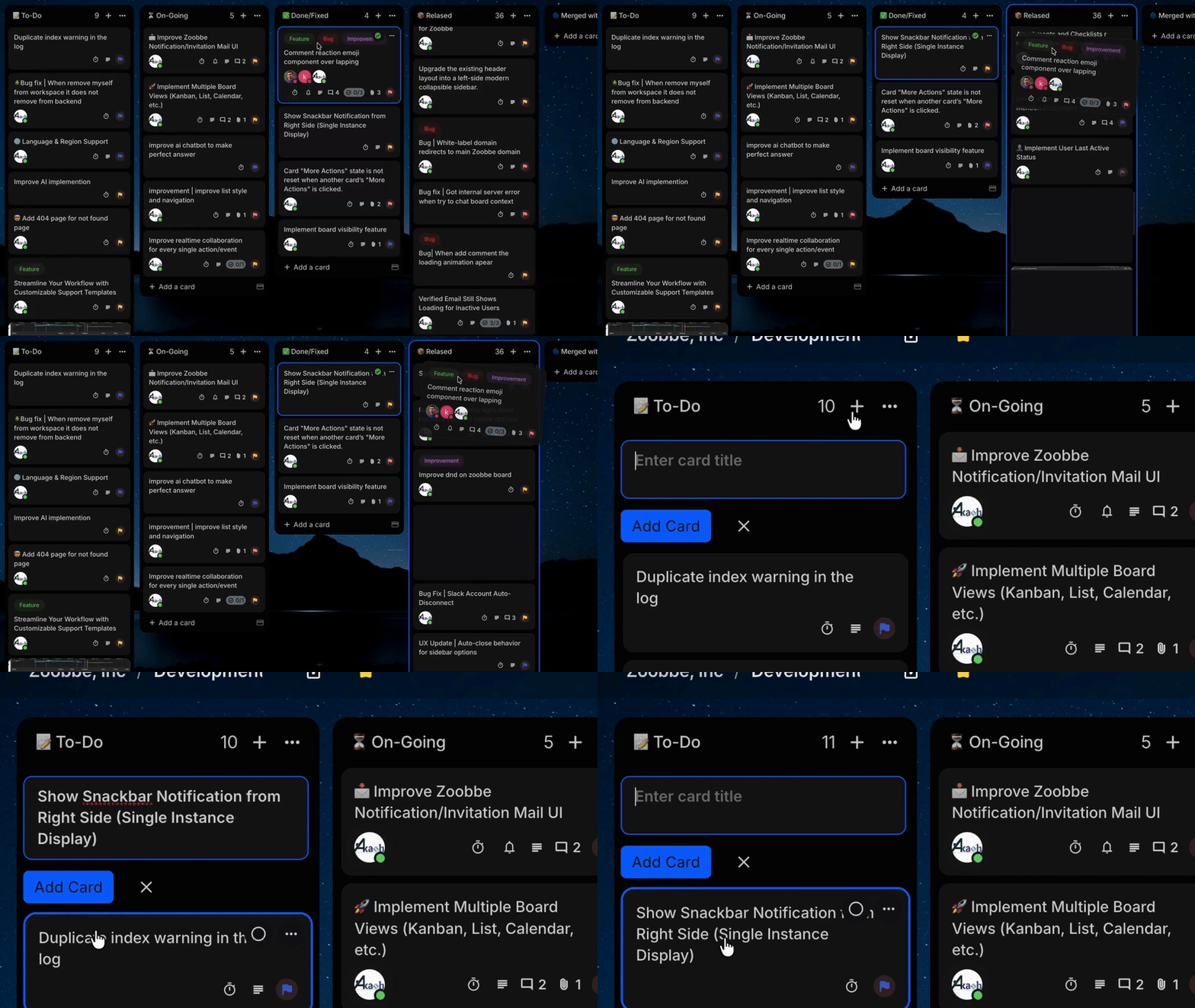
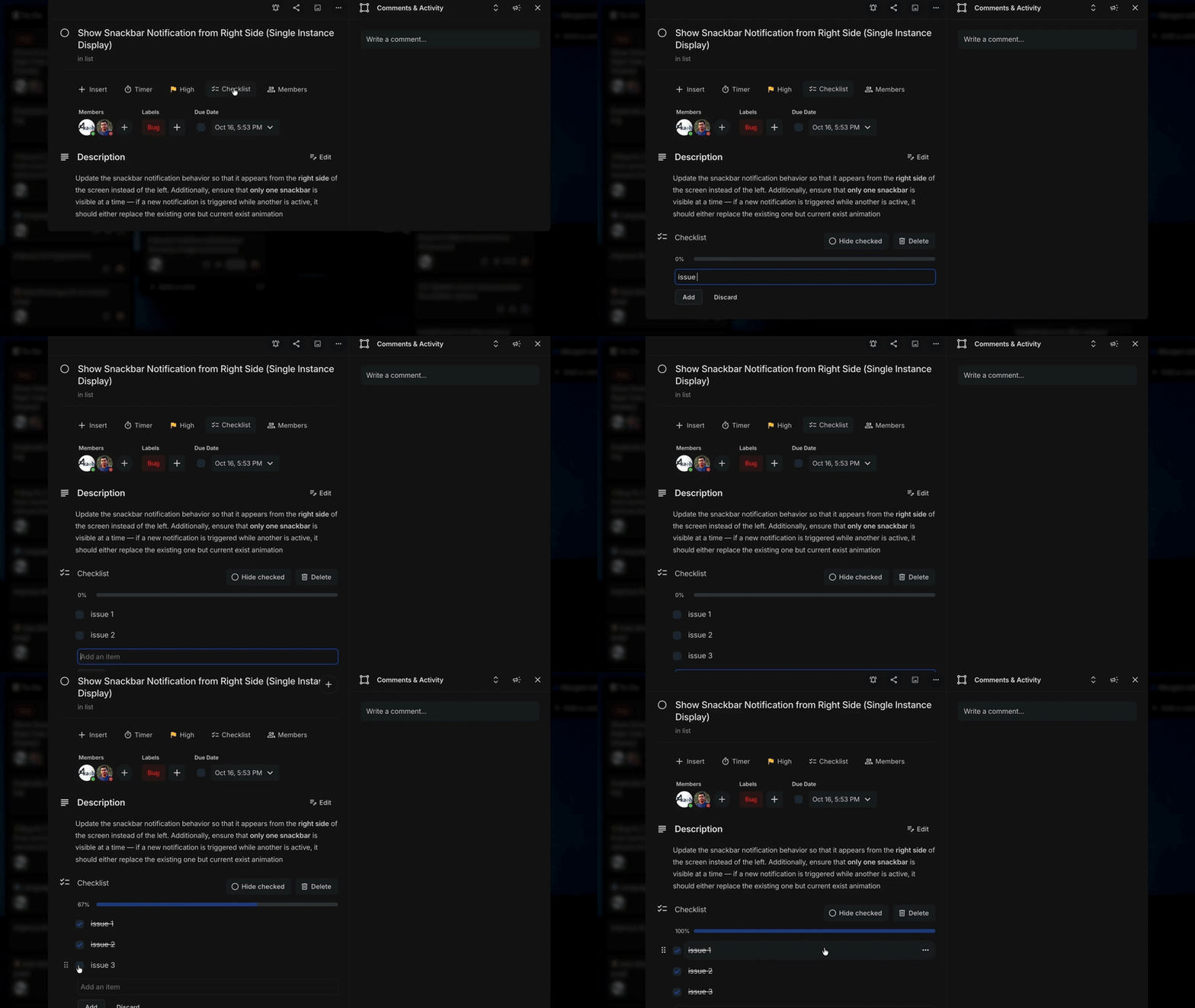
Drag cards, colour them, give them owners and due dates. If you've used Trello you'll know your way around in three seconds.

  • Drag-and-drop lists and labels
  • One-click Trello import
  • Checklists, files, watchers
Zoobbe Kanban board

Everyone, on the same page

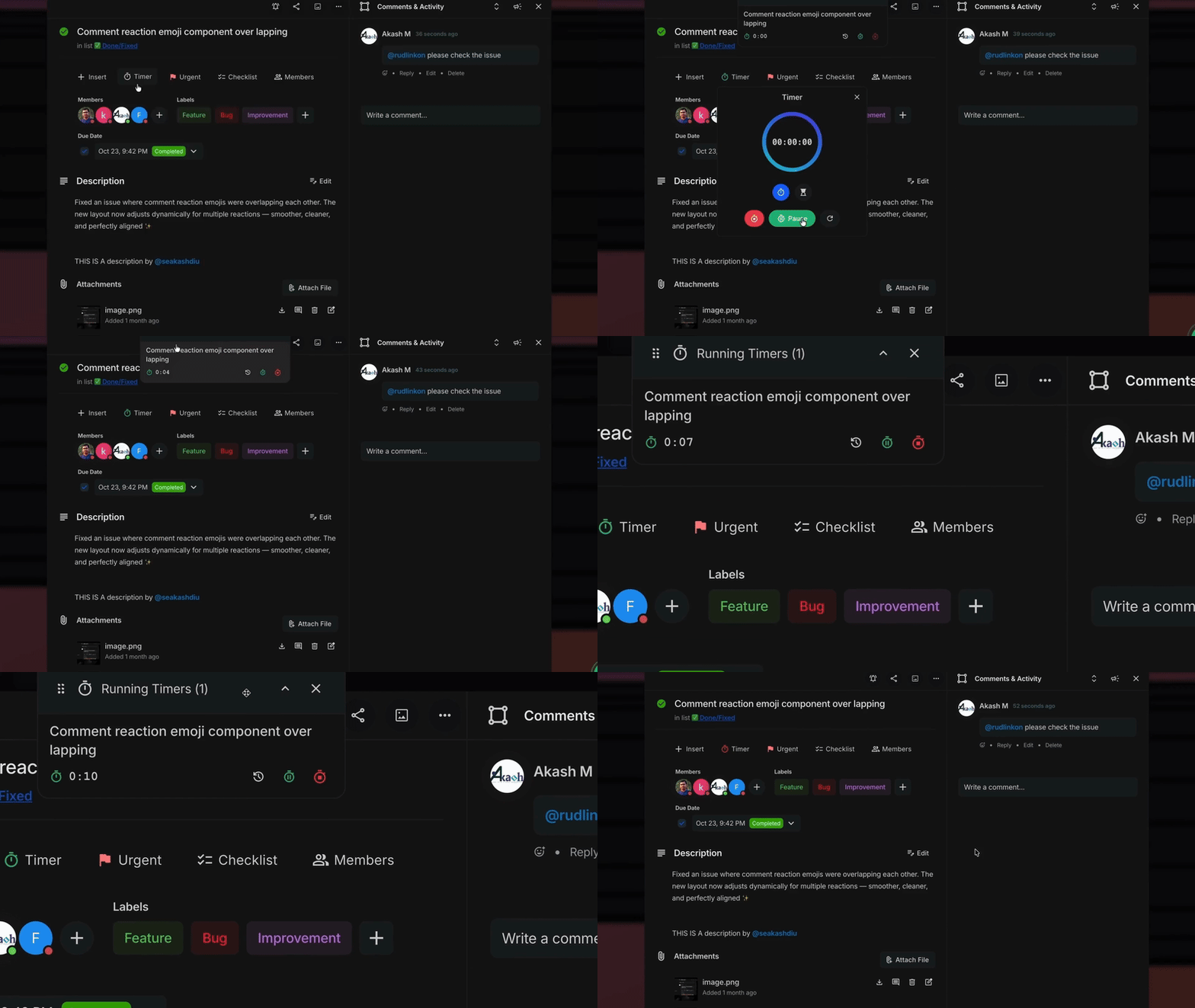
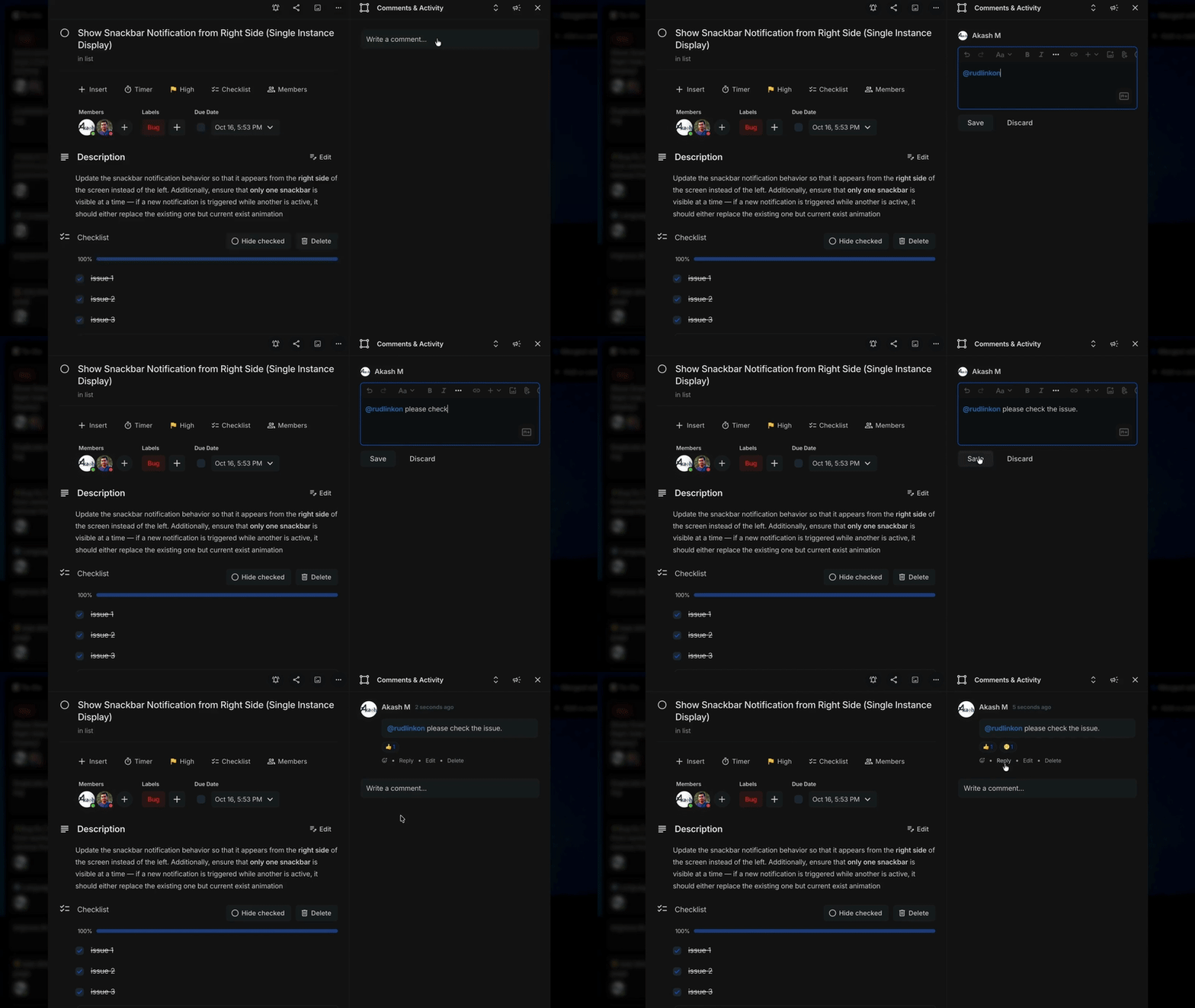
Live cursors, threaded comments, @mentions that actually reach someone. No refresh button to remember.

  • Real-time cursors and presence
  • Reactions and threaded replies
  • Slack / email / browser pings
Zoobbe real-time collaboration

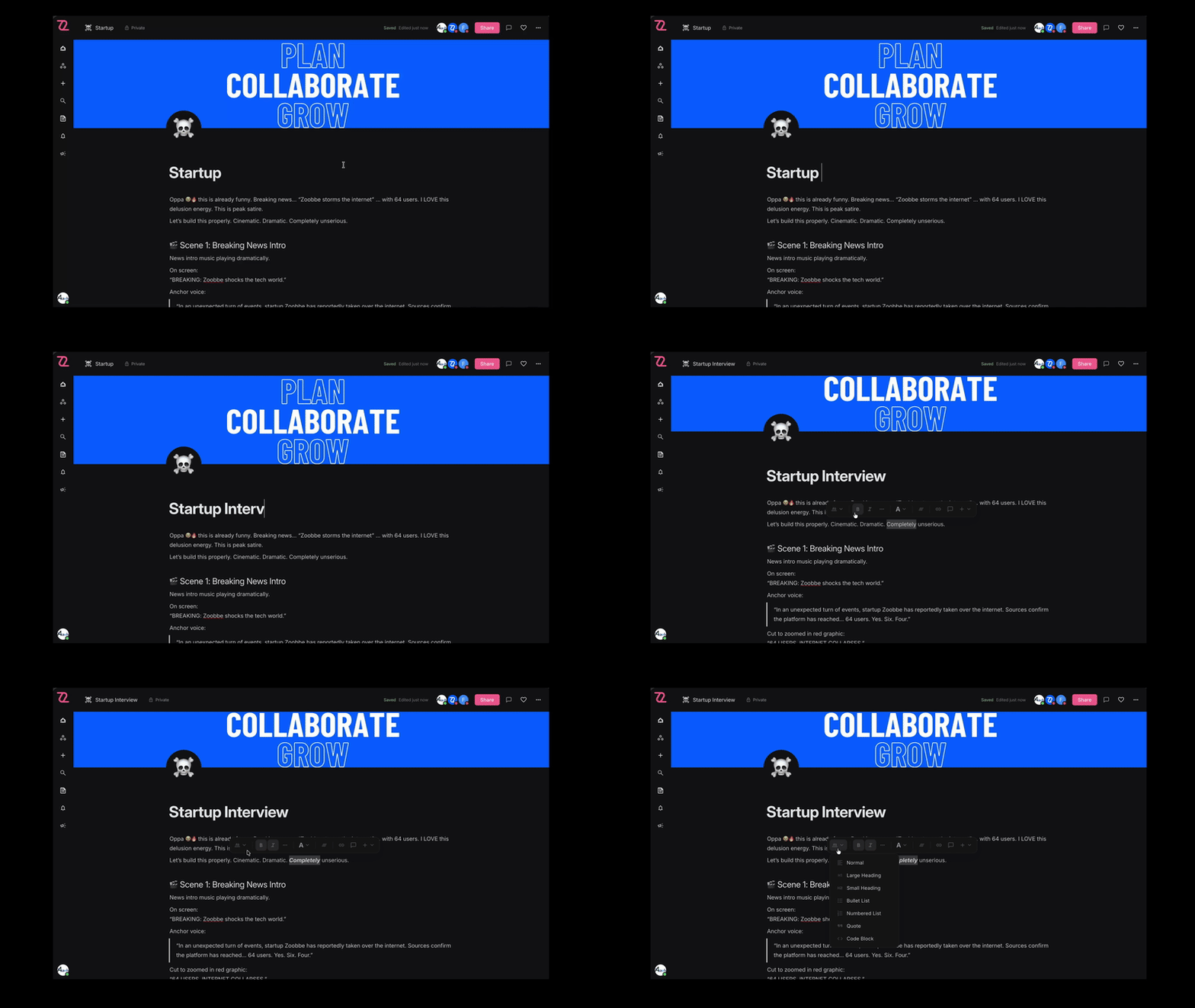
Docs that live next to your boards

Specs, notes, handbooks — written where the work is. Notion-feel editor, no overwrites, shared links to anyone.

  • Block-based editor
  • Real-time co-editing
  • Nested pages, share links
Zoobbe Pages

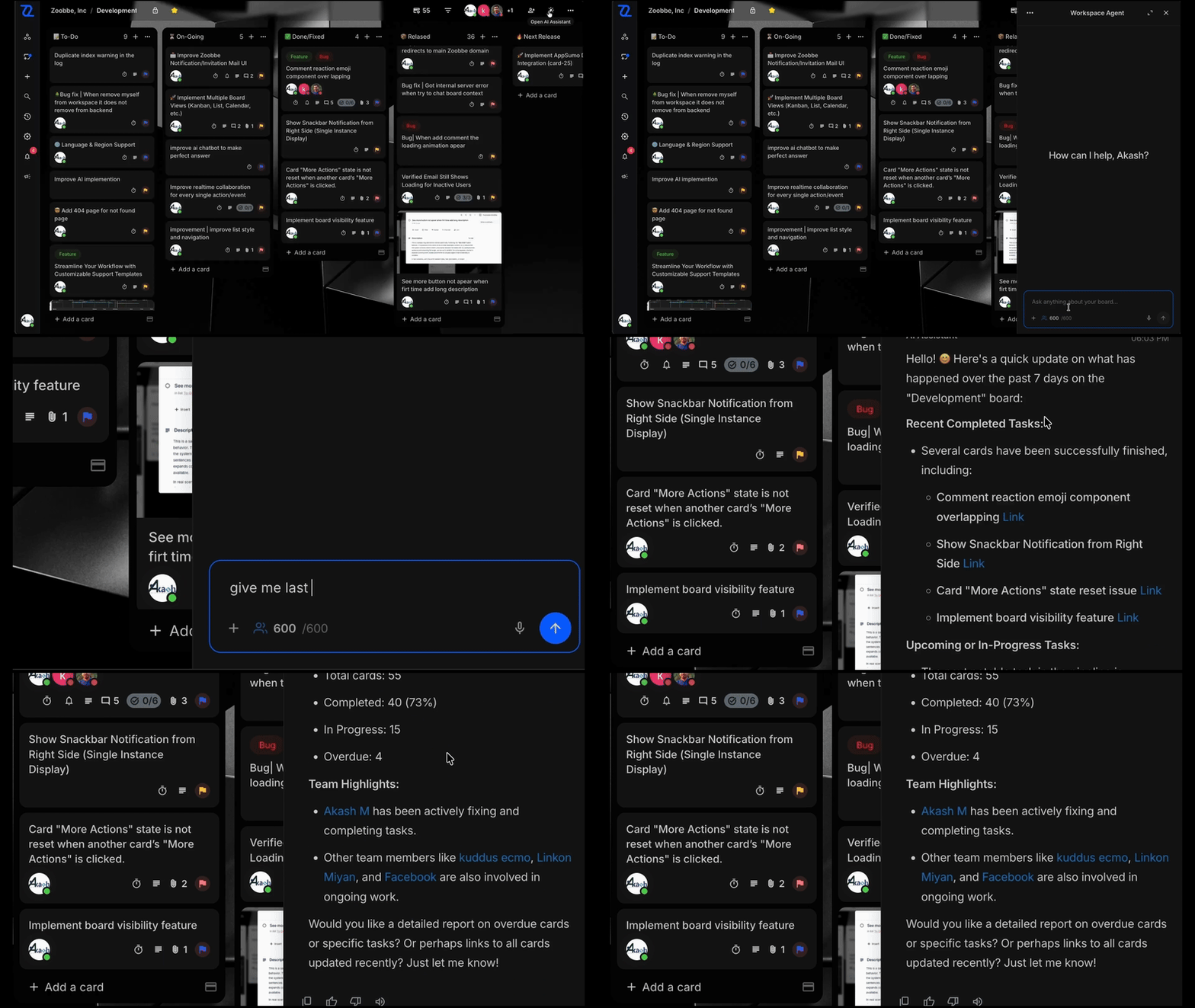
An AI that knows your workspace

"Break this brief into tasks." "Summarise last sprint." It reads your boards and pages and answers in your tone.

  • Paragraph → stack of cards
  • Suggested next steps on any card
  • Meeting transcript → action plan
Zoobbe AI assistant

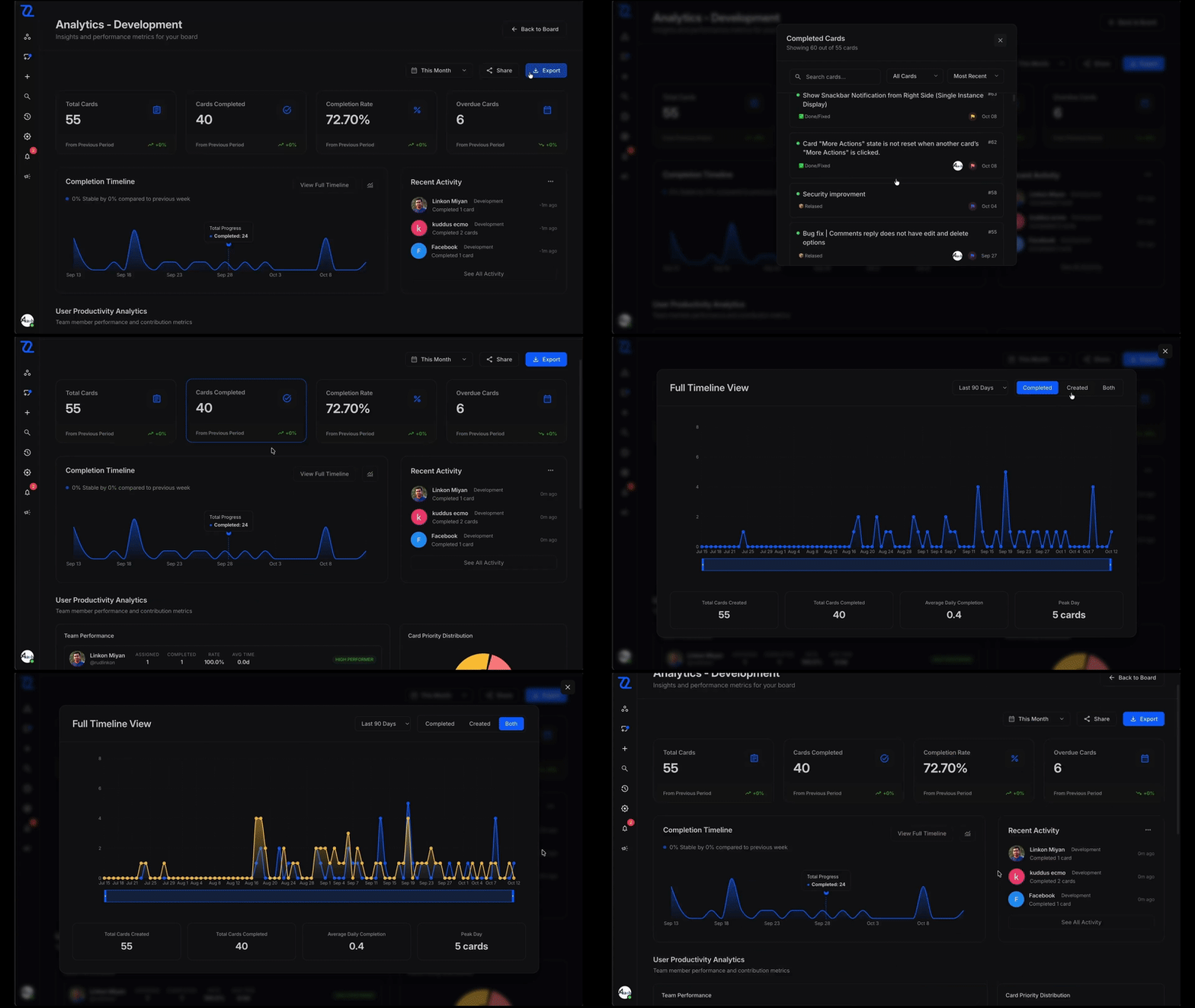
"How's it going?" — on one screen

What's done, what's late, who's swamped. You don't need a spreadsheet to know whether the sprint is in trouble.

  • Completion rates by week
  • Who shipped what, at a glance
  • Export to CSV anytime
Zoobbe analytics

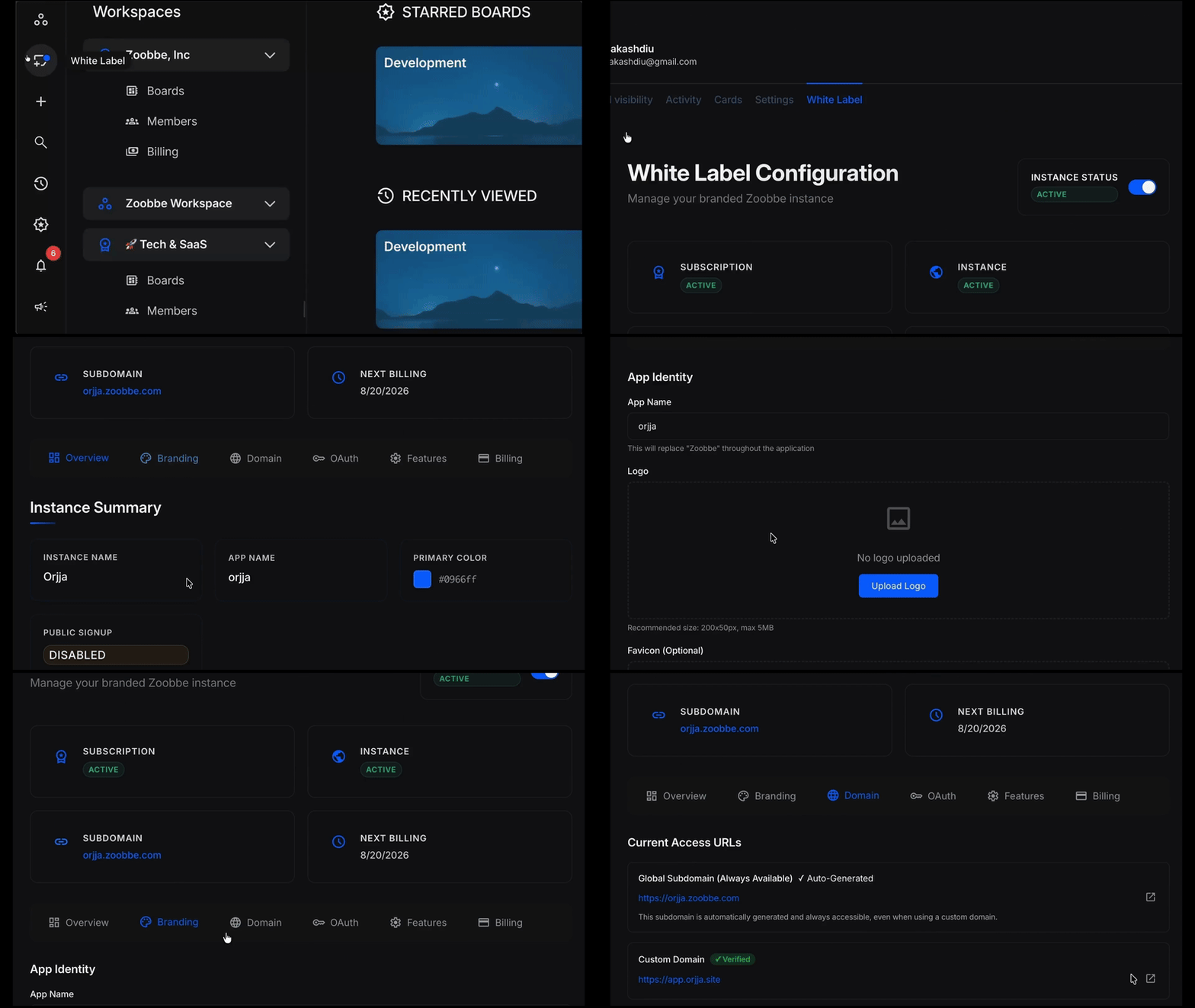
Show clients your brand, not ours

Your logo, your colours, your domain. The people you invite never need to know which tool is underneath.

  • Custom logo, colours, wordmark
  • Bring your own domain
  • One workspace per client
Zoobbe white-label

Why teams switch

Same job. Half the bill. None of the menus.

You get what the big tools give you, without the per-seat sticker shock.

Others
Starting price
$7–12 / user / mo
Paid plans
$10–20 / user / mo
Real-time collaboration
Basic
Docs / Pages
Separate tool
White-label branding
Enterprise only
Trello migration
Zoobbe
Starting price
$0 — free forever
Paid plans
$4.99 – $9.99 / user / mo
Real-time collaboration
Live presence + instant sync
Docs / Pages
Built in (Notion-like)
White-label branding
From Premium
Trello migration
One-click import
See the full feature comparison →

What people say

In their own words.

Just checked out Zoobbe — clean, fast, and super smooth. I really appreciate the simplicity and real-time updates. It feels lightweight yet powerful, kind of like a solid alternative to Trello or ClickUp.

MK
M A Kuddus Munsi
Solo Founder, Munsi
LinkedIn

Performance is very impressive. Looking forward to integration and upgrade. Nice work.

SI
Shakibul
Software Engineer, Shuvo
LinkedIn

Pricing

No surprises later.

Start free. Move up the day it starts to pinch — not before.

Save 17%

Free

$0
Free forever

For you alone, or a small team finding its feet. Most people stay here a while.

  • 15 collaborators
  • Up to 15 boards
  • 512 MB workspace storage
  • Real-time notifications
Get started free

Standard

$4.99/ user / mo
Billed monthly

When the team's growing and you need more room to organise things your way.

  • Unlimited collaborators
  • Unlimited boards & cards
  • 250 MB per attachment
  • Saved searches, list colours
Start free trial

Enterprise

Custom
Billed by seat count

For larger companies that need procurement to sign off. We'll talk you through it.

  • Everything in Premium
  • Advanced reporting
  • SSO (coming soon)
  • Dedicated support contact
Contact sales

FAQ

Questions people tend to ask.

If yours isn't here, drop us a note — we read every one.

Is Zoobbe really free?
Yes, and it will stay that way. The free plan gives you 15 boards, 15 teammates, real-time collaboration, custom backgrounds, and notifications — with no card on file and no countdown waiting to bite.
How does Zoobbe compare to Trello?
If you like Trello, you'll feel at home in a minute. Same boards, drag-and-drop, labels, checklists, attachments — with live cursors, docs alongside cards, an AI you can ask, white-label branding, and proper analytics on top. Gentler pricing too, and one-click Trello import.
Can I migrate from Trello or other tools?
Yes — from Trello or FluentBoards, in one click. Cards, labels, members, and history come over in one piece. Nothing gets dropped on the floor.
Is my data secure?
Yes. Everything's encrypted in transit (TLS 1.3) and at rest. We handle data the GDPR way, and our SOC 2 work is underway. Your data, you keep it, you can take it with you anytime.
What happens when I outgrow the free plan?
Move up whenever you're ready — nothing changes about your boards, cards, members, or history. Scale back down later if you want; no trap doors.
Can I use Zoobbe for client work?
Yes — that's what Premium is for. Put your own logo on it, point your domain at it, your clients only see your brand. Agencies and freelancers use this every day.
Can I request a new feature?
Please do — at zoobbe.com/feature-request. Every request gets read by a real person on the team.

Come on in — the water's fine.

Hundreds of teams are already getting their afternoons back. You'll fit right in.

Make a workspace

Always free to use. No card on file, no countdown.